
 Blog provided by Guru Printers
Business cards were designed for the purpose of networking and acquiring new contacts. They are an easy and stress-free way to exchange contact information and keep your brand at the forefront of people’s minds. However, if your intended audience discards or forgets about your business cards, they have failed to accomplish their intended purpose. Here are a few things you can do to create effective business cards that result in conversions.
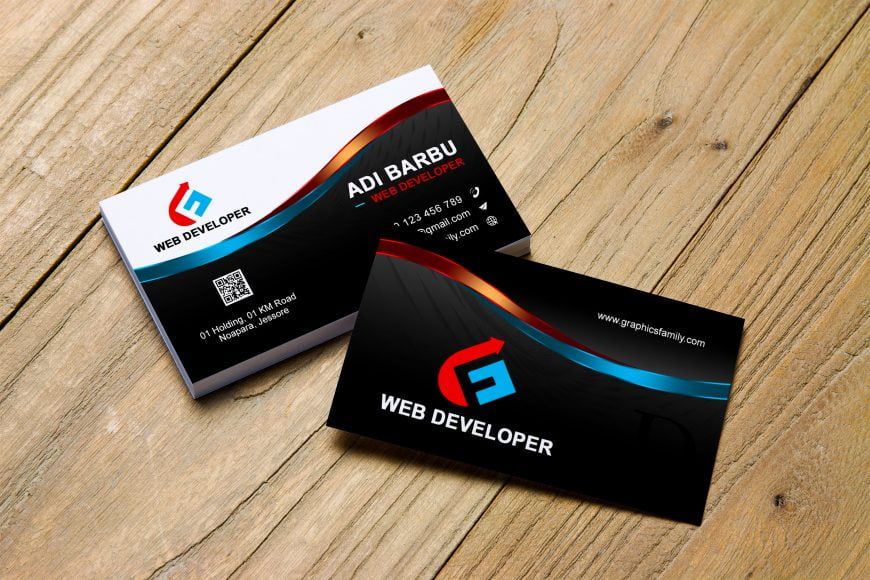
The first thing you should do is to make your business cards creative enough to stand out from the usual business cards used in your industry. Make sure your card’s graphics are eye-catching and convey the right image for your brand. Use high-quality tactile materials that are satisfying to touch such as cards with a silk laminated finish. Lamination makes cards more durable and elegant to look at, so it’s a popular way to make your cards superior to ordinary business cards.
Other ways to make your cards more memorable are adding extra functionality to your business cards such as making them seed planters, tea bag dispensers, or paper planes in addition to being business cards. These may seem like unorthodox ideas, but anything that prevents your cards from being discarded and forgotten makes them more effective.
Secondly, you should make sure your cards’ message is clear and strong. Add only the most important information and make sure you leave enough blank space to draw your readers’ eyes to the parts that matter the most. Be sure to add a short but strong call to action, letting your audience know how they can make use of your services. Also, make sure you have a unique, visually appealing logo. Your logo should be able to tell the story of who you are and what your brand does with just one glance.
If you need business card printing in Los Angeles, be sure to contact Guru Printers today at (213)-513-6533. Their years of experience and highly rated services will help you design and create the best business card designs possible for your personal or corporate brand.